
&

Review management
Judge.me & TikTok Shop integration
Send eligible verified reviews to matching Shop products, with weekly sync after setup.
Shopify
Eligible verified product reviews → matching TikTok Shop listings
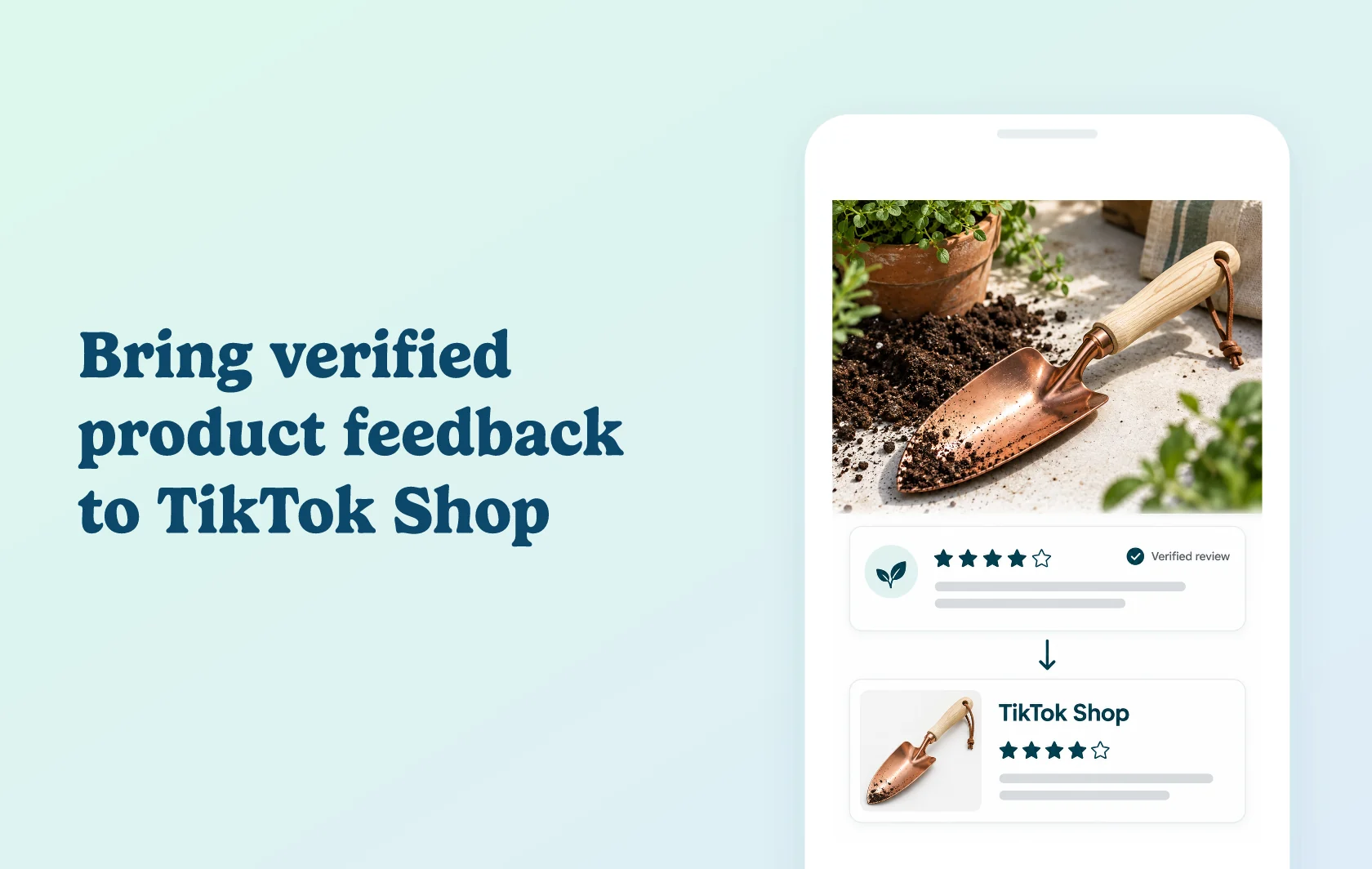
Bring existing product experience to your TikTok Shop listings
The Judge.me and TikTok Shop integration sends eligible verified product reviews to matching TikTok Shop products. It gives shoppers feedback about an item while they browse your TikTok listing, using reviews already collected through your store. After the initial sync, new reviews are sent on a seven-day schedule.
Give a new sales channel relevant product feedback
A gardenware store adding a copper trowel to TikTok Shop can bring across eligible reviews written for that trowel. The destination product needs to match the original reviewed item, and TikTok moderates reviews before displaying them.
Unverified product reviews and store reviews are excluded. Reviews shown on another product through a Judge.me Product Group are only eligible for the product they were originally written for.
Choose product matching before the first sync
Use Shopify IDs when your TikTok products were added through the official Shopify connector. Use GTIN barcodes when products were added manually or through another app, with corresponding identifiers in both catalogs.
For GTIN matching, Judge.me sends only the first barcode from the product’s variant list. A TikTok listing using another variant’s barcode may fail to match. Check this before submitting: already-accepted reviews cannot be resent to a different product through Judge.me.
How the integration works
Have your Shopify products available in TikTok Shop, select your shop’s supported country and authorise the connection. Choose the matching method, inspect the eligible-review breakdown and start the sync.
The first sync can take up to five days. New reviews then sync every seven days, and manual syncs are limited to two attempts in a rolling 24-hour window. Inspect imported reviews in TikTok Seller Center; matching and moderation determine which ones shoppers can see.
Before you connect
Judge.me: Awesome is required.
Countries: the connection supports Shopify merchants in Brazil, France, Germany, Ireland, Italy, Japan, Mexico, Spain, the UK and the US.
TikTok Shop: set up your seller account and products before review syncing. The official Shopify TikTok channel is free to install, with additional platform charges possible.
Eligibility: verified product reviews can sync even when hidden or archived in Judge.me. Store and unverified reviews do not qualify.
Review controls: Judge.me cannot edit, remove or move reviews already accepted by TikTok. Re-submitting the same review can be rejected as a duplicate; moving it in Judge.me does not move the TikTok copy.
Attribution: reviewer names are sent as initials, and profile pictures are not sent. TikTok controls how those fields appear.
Destination management: TikTok has separate controls for unmatched imports. Check its guidance or support instead of assuming a new Judge.me sync will repair an accepted review’s placement.
Get started
Already selling on both platforms? Check product identifiers and your matching method before starting the first sync. Compare a correctly matched eligible review with the source and inspect any unmatched or rejected results in Seller Center.
New to TikTok Shop? Install the TikTok channel, complete seller setup and sync your products. Then connect Judge.me, review eligibility and start the review sync once the product mapping is correct. For a multi-variant product using GTINs, compare TikTok’s identifier with the first variant barcode that will be sent, rather than testing only a single-variant example.