
&

Upsell and Marketing
Judge.me & Simple Bundles & Kits integration
Request feedback about complete bundles and show it on the parent product page.
Shopify
Fulfilled bundle order → review request for the parent bundle
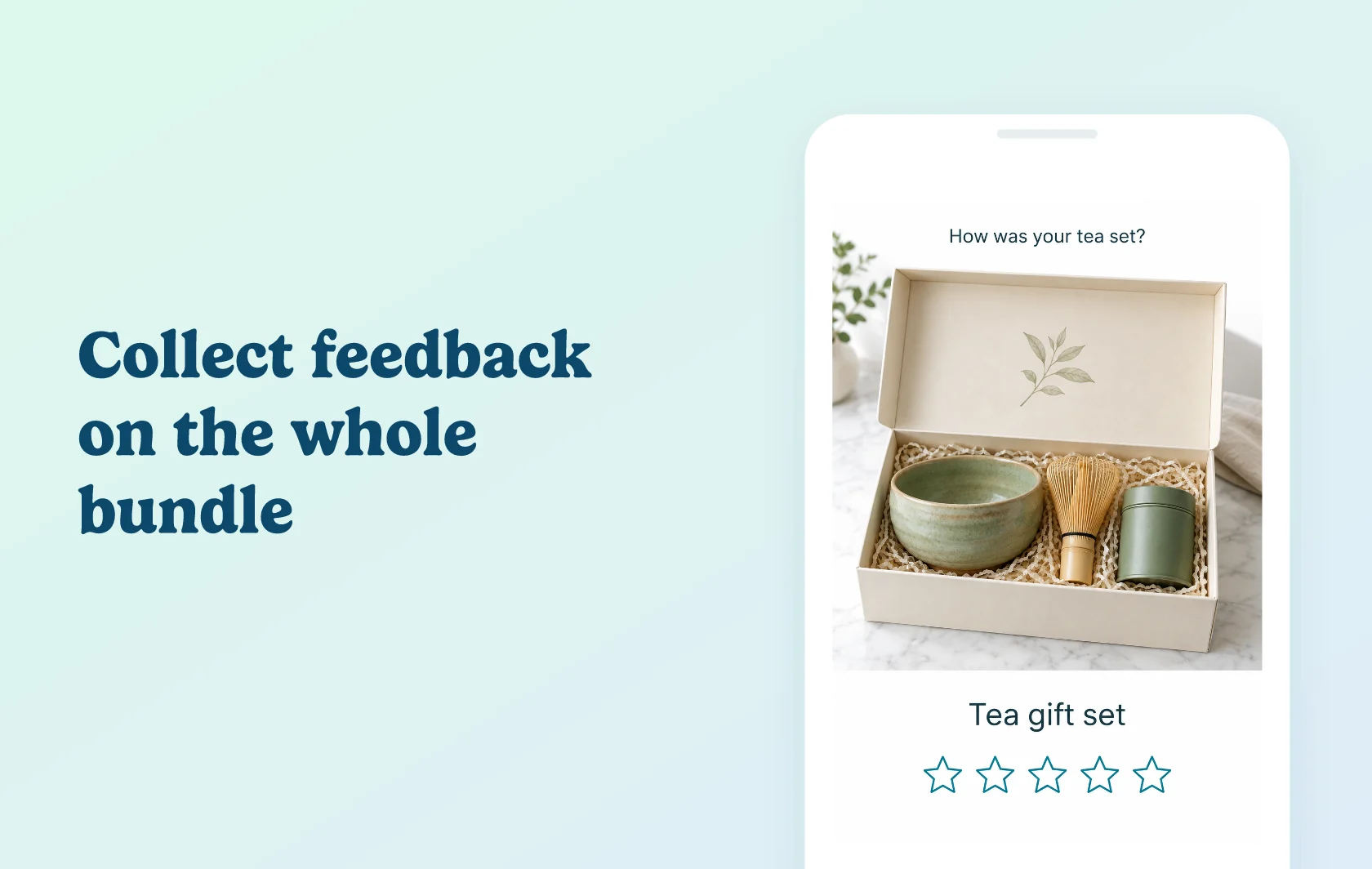
Collect customer feedback about the complete bundle
The Judge.me and Simple Bundles & Kits integration schedules review requests for parent bundle products created with Simple Bundles 2.0. These bundles are broken into component items in Shopify orders, so Judge.me needs the connection to request feedback for the bundle itself. Customers can then review the complete set they purchased.
Learn how the items work as a set
A tea store could ask a customer to review a gift set containing a bowl, whisk and tea tin. That feedback can describe the bundle as a complete purchase, rather than reviewing only one item inside it. It gives future shoppers context that individual product reviews may not cover.
Build feedback on the bundle product page
Display collected reviews on the parent bundle’s live product page using Judge.me widgets. Bundle feedback and reviews of individual products remain separate unless you deliberately configure Review Grouping. This lets you collect feedback at the level customers bought, while deciding separately how reviews should appear across your catalog.
How the integration works
After a bundle order is fulfilled, Simple Bundles sends the parent-product review-request information to Judge.me through the API. Judge.me schedules and sends the email using your review-request settings. You can configure a fulfillment delay in Simple Bundles; leaving it blank uses the Judge.me timing settings.
Review both apps’ timing settings when testing the delay. These requests appear as Manual in Judge.me and are not tied to specific order numbers. Simple Bundles handles the bundle information, while Judge.me controls the email template and review collection. The connection is specific to version 2.0: version 1.0 already includes the parent bundle in the order and does not need this extra routing.
Before you connect
Shopify: install both apps and create the bundle using Simple Bundles 2.0.
Judge.me: the Free plan supports parent-bundle review requests.
Simple Bundles: this page covers its paid plans: Basic for Shopify Basic, Grow & Advanced for those Shopify plans, and Plus for Shopify Plus.
Permissions: approve the requested customer-data access when prompted. The connection needs customer email addresses to send review requests.
Duplicate prevention: enable Use unique email addresses so a child-product request does not cause the bundle request to be skipped.
Review display: keep a live parent-bundle product page and install the relevant Judge.me widget there.
Child-item review requests can still be sent. Turning requests off for a component product also turns them off when that item is bought on its own, so choose those exclusions carefully.
Get started
Already using both apps? Connect Judge.me using the private API token, choose your timing and enable unique email addresses. Place and fulfill a test bundle order, then check for the parent bundle in Judge.me’s review-request history.
New to either app? Install both, select the Simple Bundles plan for your Shopify plan and create a version 2.0 bundle with a live product page. Complete the permissions and connection setup before testing the request and resulting review display.