
&

Review management
Judge.me & Shopify Store Review Sync integration
Share published reviews across stores using matching variant SKUs and source-store moderation.
Shopify
Published reviews ↔ matching products across a store group
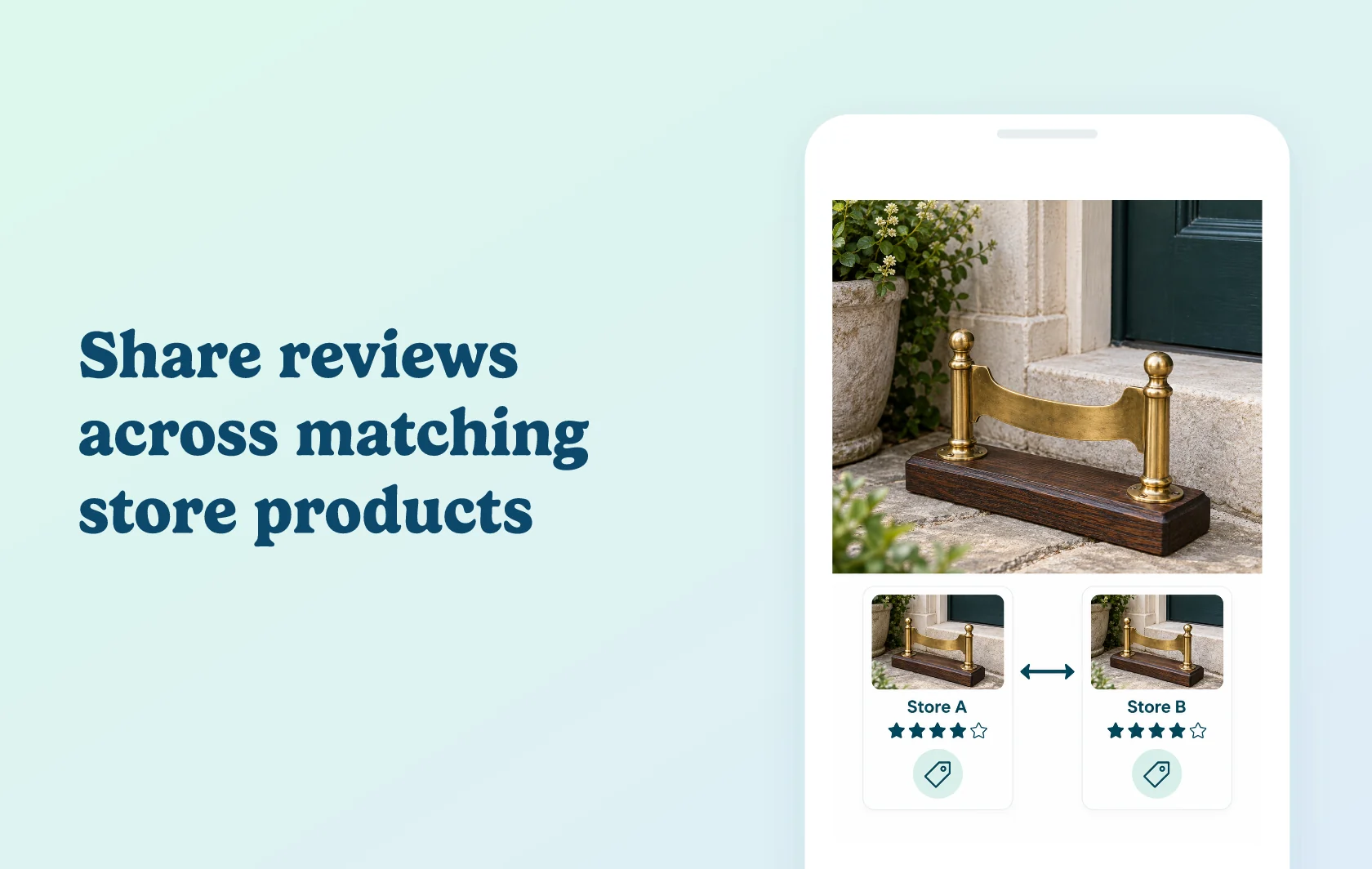
Bring existing product feedback to your other Shopify stores
Judge.me’s Shopify Store Review Sync groups stores that sell the same products and shares their published reviews. Product matching uses the complete set of variant SKUs, while store reviews are pooled across the group. Past and future published feedback can appear in supported widgets without manually exporting reviews between stores.
Support a regional store with relevant product experience
A homeware brand selling the same boot scraper through separate regional Shopify stores can show its published product feedback on each matching product page. Customers in the newer store can read experiences already collected by another store in the group.
The products must match by their full variant SKU lists. One matching variant is not enough when the remaining variants differ, and products without SKUs cannot be matched.
Keep review management with the collecting store
The review stays in the dashboard of the store that collected it. That store controls publication and moderation; receiving stores display eligible shared feedback without creating another independently managed copy.
Published media, ratings, review content and public replies can be shared. Hidden, pending, archived or spam reviews are excluded, as are Q&As and Instagram posts. Hiding a review at its source removes its visibility across the group.
How the integration works
Create a store group in Judge.me and use its token to join the other stores. Judge.me compares each product’s filled-in variant SKUs and shares published feedback across matching products. Variant order does not matter, but the complete SKU lists and variant counts must agree. If a matched product belongs to a local Judge.me Product Group, that group can expand the shared review pool; review those groupings as well as the SKUs.
Use supported product widgets, such as the Review Widget and Star Rating Badge, to show matched reviews. Store-level displays can include the group’s wider review pool, including feedback about products not sold by a particular receiving store.
Before you connect
Judge.me: every participating store needs Awesome. This is a built-in Judge.me feature, with no separate connector app.
Matching: use consistent, complete variant SKUs and the same number of variants for corresponding products.
Group membership: each store can belong to one store group at a time.
Display limits: shared feedback is supported in selected widgets. Carousels, Pop-up Reviews, AI summaries and customer-account widgets do not display these shared reviews.
Moderation: manage reviews at their source. Receiving-store autopublish settings do not decide whether an already-published shared review appears.
Store-wide displays: you cannot selectively remove a shared review from one destination’s store-level widgets while keeping it on matched product pages.
Google Shopping: reviews shared from another store are excluded from the receiving store’s product-ratings feed.
Leaving: leaving the group, downgrading to Free or uninstalling removes that store’s review sharing in both directions.
Get started
Already using Judge.me on multiple stores? Compare one product’s full variant SKU list, connect the stores and inspect its Review Widget on both storefronts. Check a store-level display too, so your team understands the wider pool it can show.
New to the feature? Install Judge.me and choose Awesome on each participating store. Align your product data, create the group and confirm matching and supported displays before extending the setup.