
&

Upsell and Marketing
Judge.me & Outfy integration
Turn selected five-star reviews into branded social posts you can publish or schedule.
Shopify
Selected published reviews → social posts
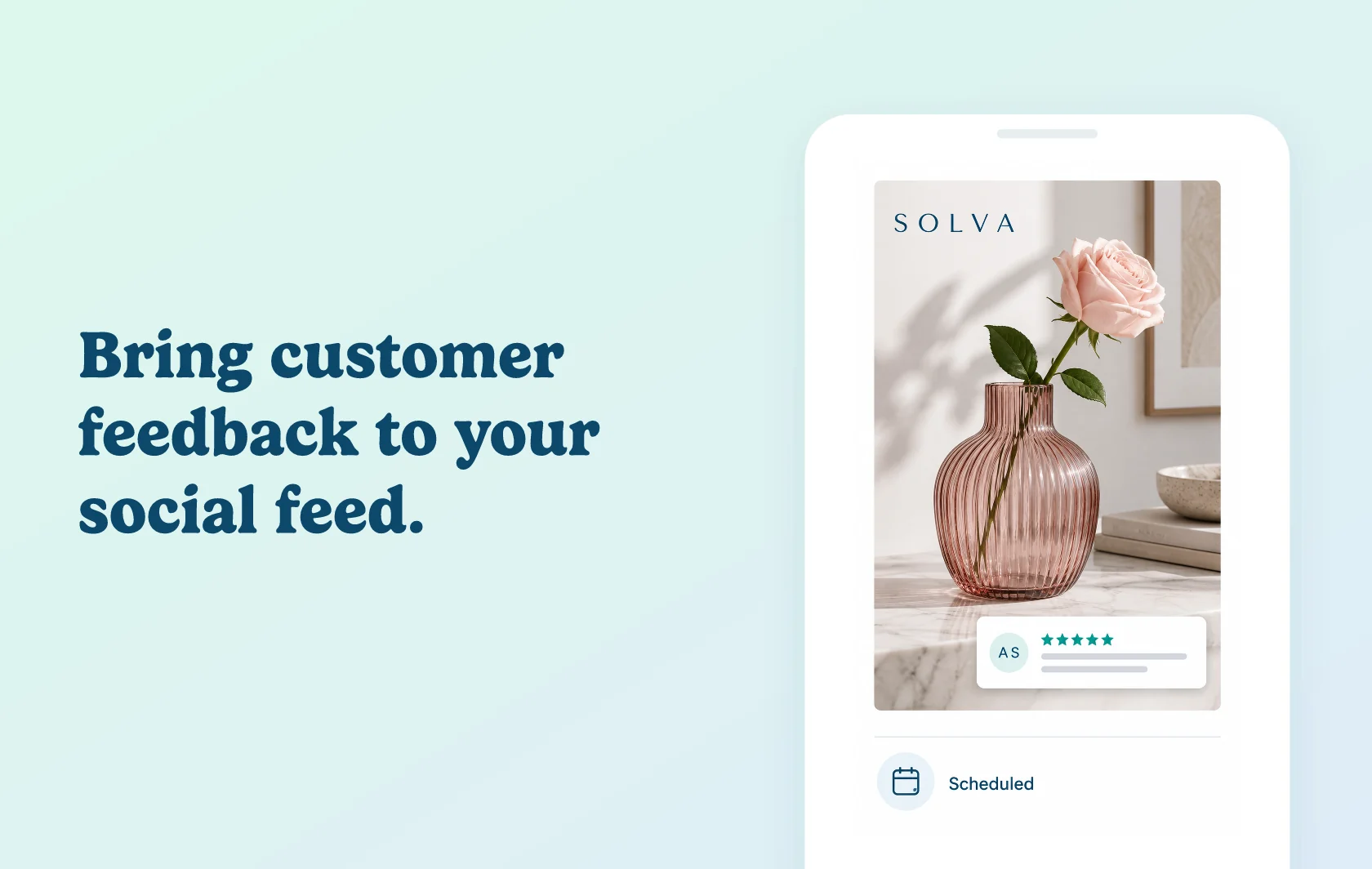
Make published customer feedback part of your social content
The Judge.me and Outfy integration lets you select published five-star reviews and turn them into social posts. Choose a review, customise its presentation and publish it to a connected social account or schedule it for later.
Give a customer experience a visual presentation
Start with one of Outfy’s review post templates and add the product image and your store branding. Adjust the image placement, logo and supporting text so the result fits your social feed. Keep the customer’s meaning intact when preparing the post.
Fit review posts into your publishing schedule
You decide which review to share and which connected network receives it. Publish immediately or schedule the post alongside other planned content. Connecting Judge.me supplies review content; it does not automatically publish every review across your channels.
How the integration works
Connect Judge.me from the review area in Outfy. Outfy fetches positive feedback, and the documented workflow lets you browse recent five-star reviews and select one for a post.
Customise the template, choose a connected social account and publish or schedule the result. The original review remains managed in Judge.me, while Outfy handles the social post and publishing workflow. Editing a social post does not edit its source review.
Before you connect
Judge.me: Free supports this connection.
Outfy: review sharing is included on Unlimited in the current partner plan information.
Review content: use published five-star reviews for this documented workflow.
Social accounts: connect the channels you intend to use and check their publishing permissions and format requirements.
Selection: review the content and destination before publishing. This page covers selected review posts, not an automatic promise to post every incoming review.
Get started
Use the integration setup guide for the detailed connection steps.
Already using both apps? Connect Judge.me, choose one published five-star review and preview a branded post. Check the product image, customer wording and selected social account before scheduling it.
New to either app? Install Judge.me and Outfy, choose the required Outfy plan and connect your social accounts. Collect and publish eligible feedback before building your first review post.