
&

Upsell and Marketing
Judge.me & Kimonix integration
Use average ratings and review counts in collection sorting, alongside your merchandising signals.
Shopify
Ratings and review counts → collection strategy
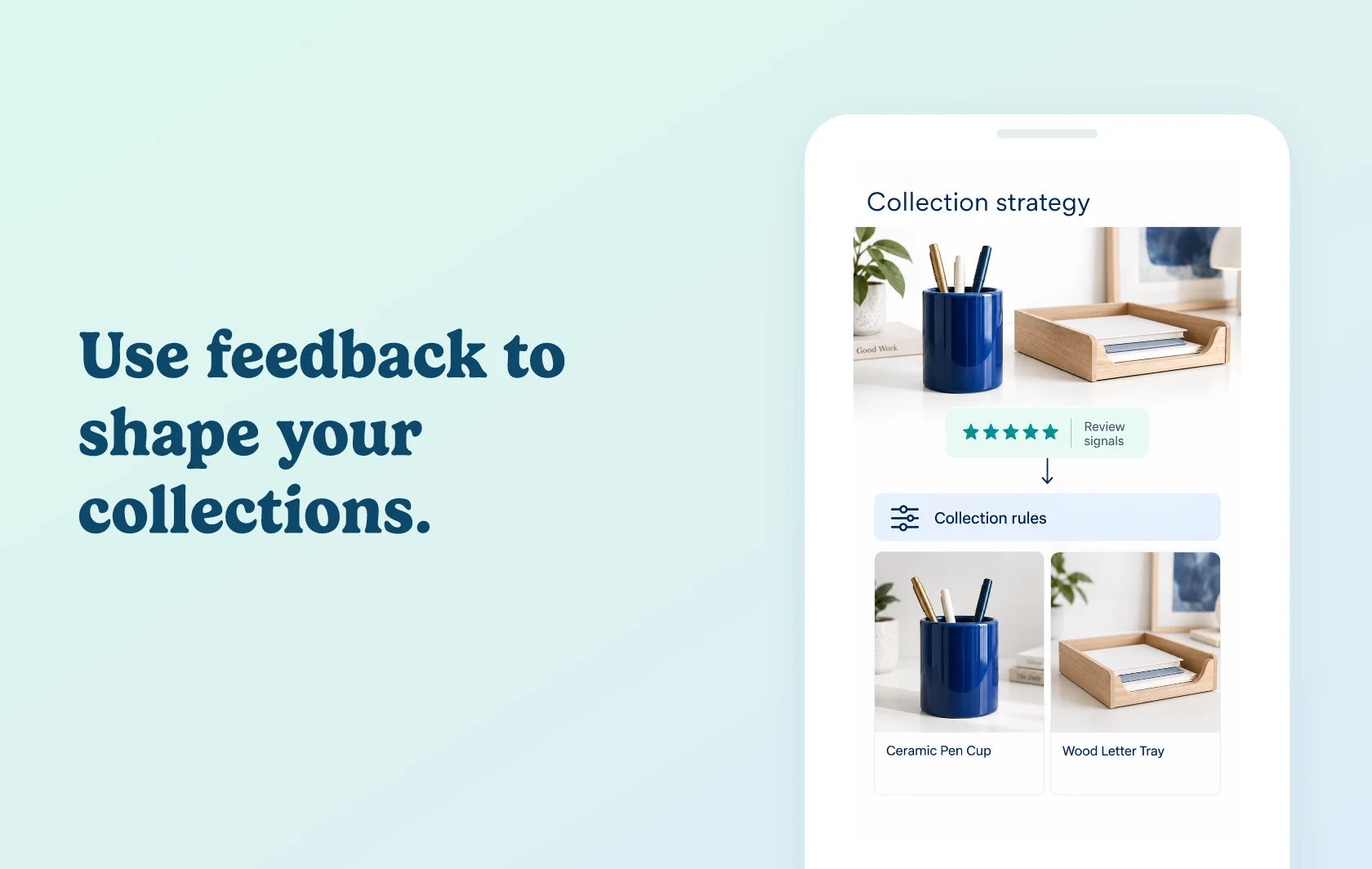
Make customer feedback part of your collection strategy
The Judge.me and Kimonix integration supplies average ratings and review counts as collection sorting and filtering parameters. Kimonix’s Shopify app is currently named KX AI Collections.
Balance customer feedback with your merchandising goals
A merchant merchandising a cookware collection can combine customer feedback with inventory, sell-through and margin when deciding which products to feature. Rating averages and review counts provide different signals: how shoppers rate a product, and how much feedback it has received. The connection supports merchandising decisions rather than merely adding a star badge.
How the integration works
Enable Judge.me under Product Reviews in Kimonix settings. Allow up to twenty minutes and reload; when the status is Connected, use Reviews Avg. and Reviews Number in the collection strategy. You can also use the review data in the personalized recommendations described in the connection guide.
Before you connect
Judge.me: Free supports this connection.
Kimonix: product-review integrations require Advanced, Superior or Custom; Starter does not include this feature.
Review data: use products with existing reviews and wait for the connection to show Connected before configuring the parameters.
Merchandising: choose the sorting or filtering strategy in Kimonix. The connection supplies review metrics; it does not decide your commercial priorities.
Get started
Already using both apps? Follow the connection guide, compare the Reviews Avg. and Reviews Number values for a reviewed product with Judge.me, then preview a collection using your chosen sorting or filtering rule.
New to either app? Install Judge.me and Kimonix, choose the required plans and complete the connection before testing your customer experience.