
&

Other
Judge.me & Zapier integration
Route new reviews into support tickets, feedback logs and configured sharing workflows.
Shopify
New reviews → filtered workflows in other apps
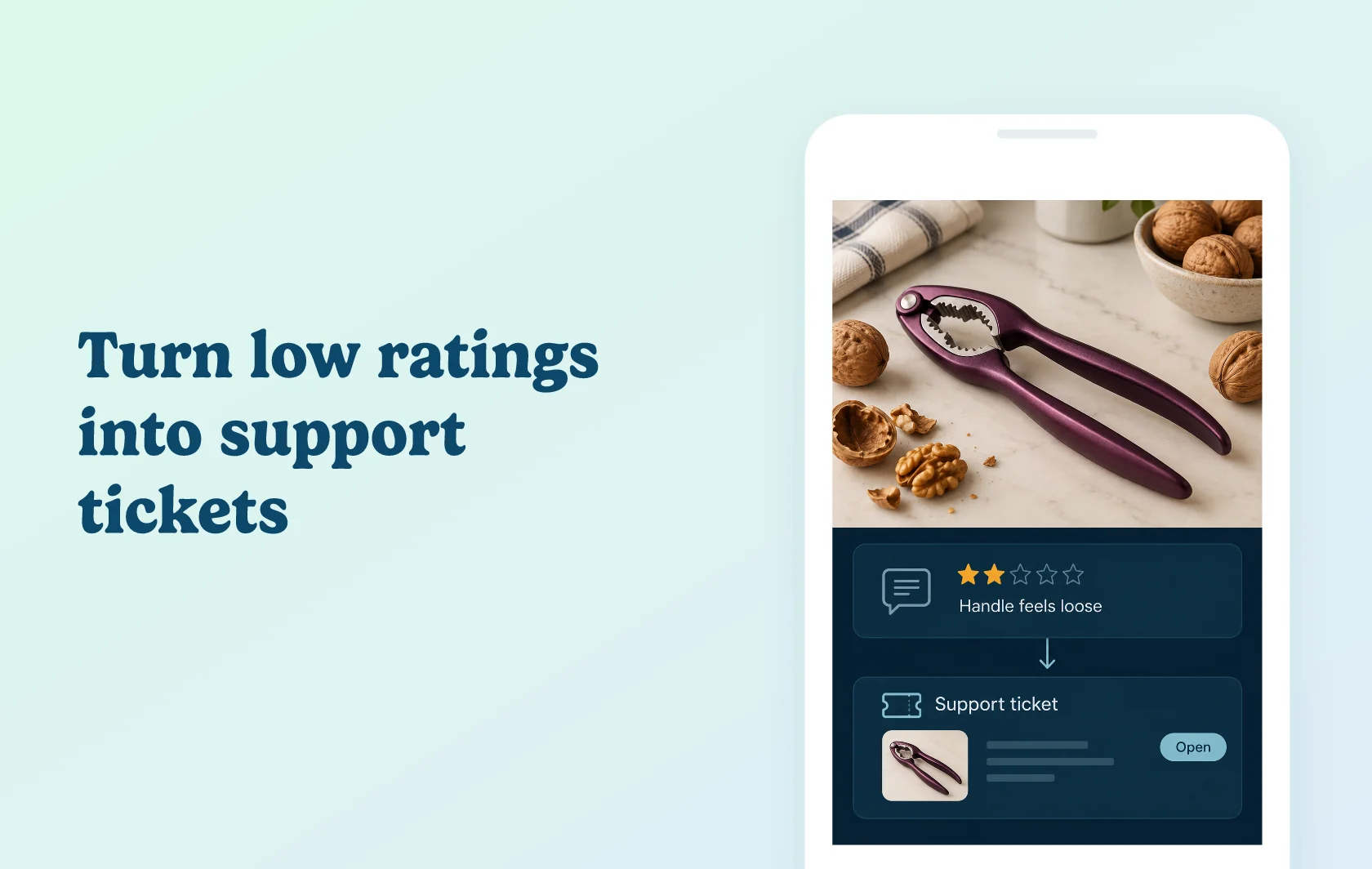
Turn new reviews into follow-up work for your team
The Judge.me and Zapier integration uses a new review to start an automated workflow, called a Zap. Choose what happens next: create a support ticket, log the feedback or share it through a connected service. Filters let you narrow the reviews that continue to the next action. These workflow filters do not hide or moderate reviews in Judge.me.
Give critical feedback a place in your support queue
A kitchenware store could create a Freshdesk ticket when a review of a nutcracker meets its low-rating or keyword conditions. The team receives the feedback in its support workspace and can investigate the customer’s experience. Creating the ticket does not resolve the complaint or publish a reply; those remain separate actions.
Keep a review log or share feedback elsewhere
Send new reviews to a spreadsheet for analysis, or use the Google Business Profile workflow to create a post containing the review text and rating, with a link to the product. These are business-profile posts, not Google customer reviews, and they do not add to your Google review rating. The posting workflow only sends reviews received after setup.
How the integration works
Connect Judge.me to Zapier with the private API token, shop domain and requested platform details. Select the New Review trigger, test it, and connect the destination app. Map the review fields to that app’s action and add any filters the workflow needs.
Each new review starts the configured Zap. The destination and your conditions determine what happens next. Review collection and moderation continue in Judge.me.
Before you connect
Judge.me: Awesome is required.
Zapier: use Professional or higher for multi-step workflows such as a review trigger, filter and support action. The Free plan is limited to two-step workflows; premium destination apps and other advanced features also affect plan choice.
Other accounts: connect the support, spreadsheet or business-profile account used by the Zap, with access to the chosen action.
Scope: the connector’s documented trigger is New Review. The Google Business Profile posting workflow does not send earlier reviews retroactively.
Publishing: review the content and destination of any public-sharing workflow before enabling it.
Get started
Already using both services? Choose a supported template or build a Zap around New Review. Test one review that matches your conditions and another that does not. Confirm that only the intended review reaches the destination action before enabling the workflow.
New to either service? Install Judge.me, choose Awesome and create a Zapier account. Select a plan for your workflow’s steps and apps, connect the destination, and start with one clearly defined action.