
&

Search and SEO
Judge.me & Sparq integration
Show ratings in search suggestions and product results, with a rating filter to narrow choices.
Shopify
Product ratings → search suggestions, results and filters
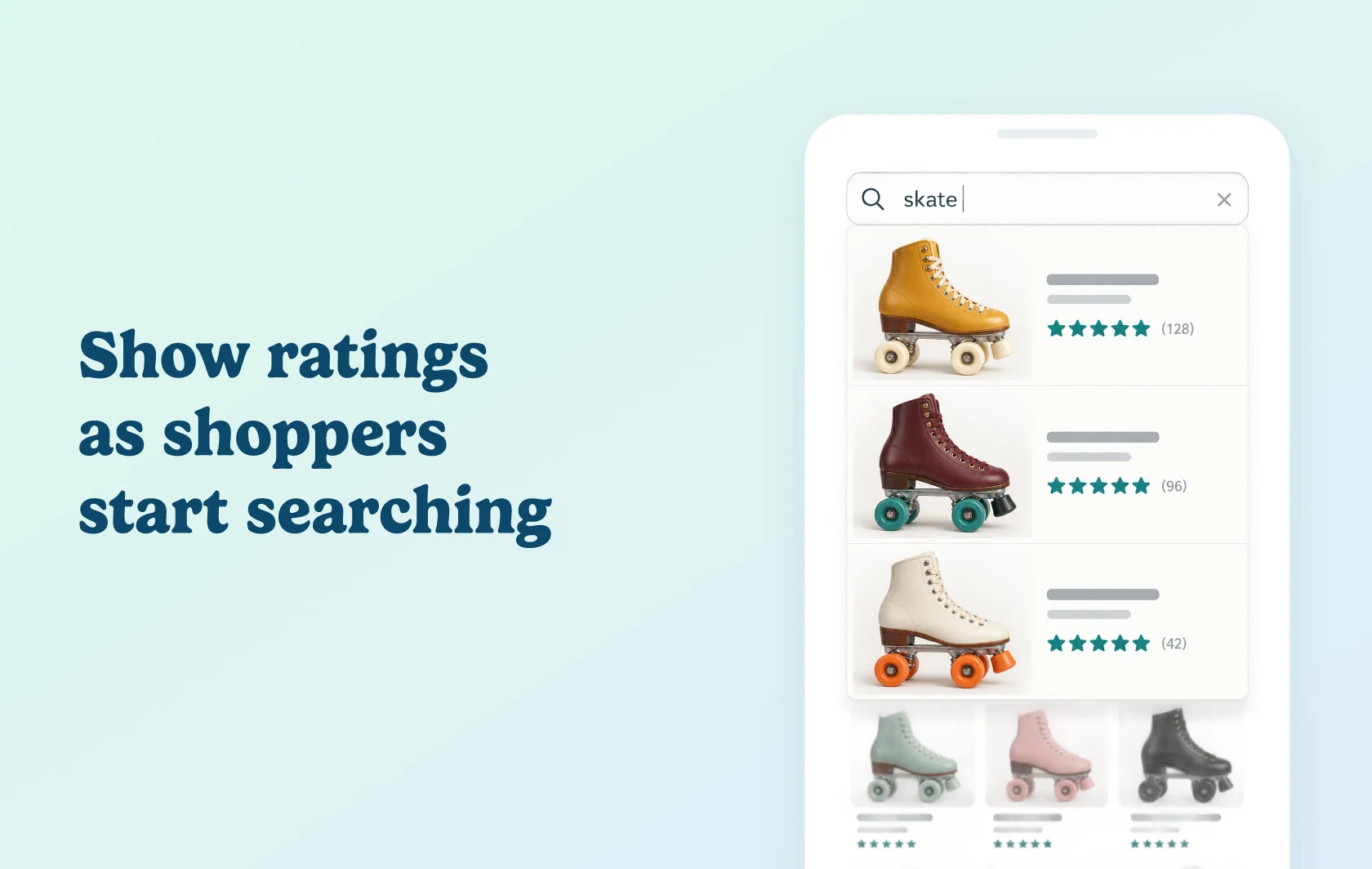
Bring customer ratings into the first product suggestions shoppers see
The Judge.me and Sparq integration displays product ratings and review counts in Sparq’s search dropdown, search results and collection pages. It also gives shoppers a rating filter for narrowing product results.
Add feedback to search suggestions
When a shopper starts searching for roller skates, ratings can appear alongside the products in the search dropdown. Customer feedback becomes part of the initial shortlist, before the shopper opens a product or the full results page.
In Sparq, choose whether to show the rating and review count and adjust the stars’ appearance to fit your storefront.
Keep ratings useful through the results page
Show ratings on product cards in search and collection results, then let shoppers refine the list by rating. The integration creates a rating filter that you can enable or disable in Sparq.
This carries product feedback from the first suggestion into the comparison that follows. Judge.me supplies the reviews; Sparq controls their rating display and filtering.
How the integration works
Enable Sparq in Judge.me and turn on Judge.me in Sparq’s integrations. Sparq re-indexes the store, then uses the review data in its storefront displays.
Configure the dropdown and results-page ratings separately, and choose whether to keep the rating filter enabled. If changes are not visible after setup, request a resync in Sparq.
Before you connect
Plans and platform: use both apps on Shopify. Judge.me Awesome is required for the native Sparq connection. Sparq’s paid plans include review integrations; use Premium or Enterprise for the search and collection experience described here.
Display settings: search-dropdown ratings and results-page ratings have separate controls. Preview both where your store uses them.
Data refresh: allow Sparq to re-index after enabling the connection. A missing initial display may need a resync.
Get started
Already using both apps? Follow the connection guide, then check the Sparq display and filter settings.
New to either app? Install Judge.me and Sparq, connect them and preview a search for a product with reviews.