
&

Search and SEO
Judge.me & Smart SEO integration
Select your review provider to connect existing product ratings to your store’s structured data.
Shopify
Product review markup → Smart SEO JSON-LD
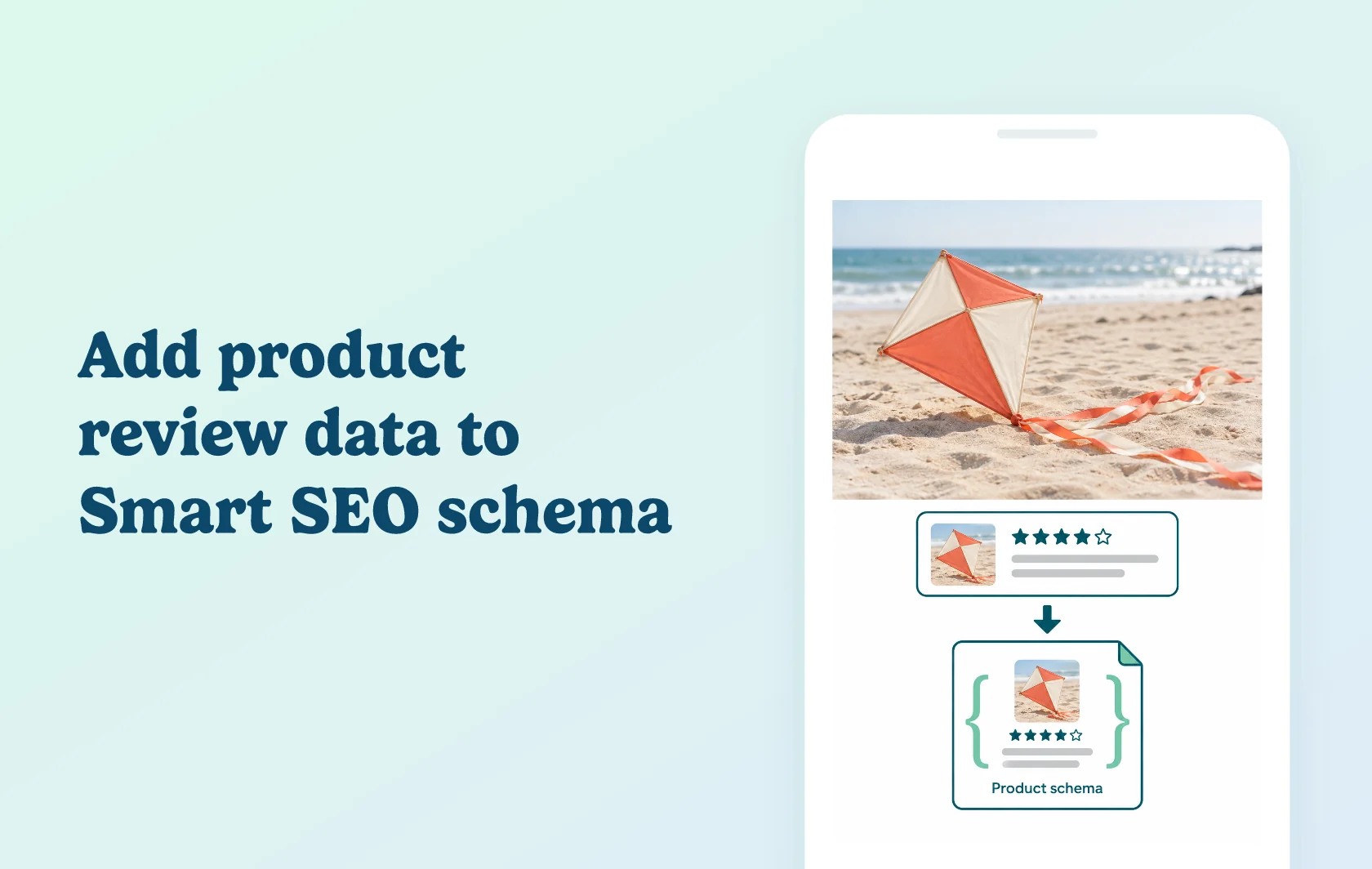
Include product review data in your Smart SEO configuration
The Judge.me and Smart SEO integration lets you choose Judge.me Reviews as the product review plugin in Smart SEO’s JSON-LD settings. With Judge.me’s review snippets enabled, the connection makes existing product-rating information available alongside the structured data managed for your store.
Keep feedback connected to the product being described
A toy store selling a diamond kite can collect product reviews with Judge.me and select that source in Smart SEO. Search engines can then read review information associated with the kite, while customers continue to see its feedback on the product page.
The integration supplies review context for structured data. It does not add new customer feedback or guarantee that the product will receive stars in search results.
Make the review-provider choice explicit
Smart SEO’s JSON-LD settings include a product review plugin selection. Choose Judge.me Reviews so the schema configuration points to the review app you actually use.
This setting is useful to revisit after changing review apps or updating the SEO setup. Smart SEO’s image, metadata and other optimization features are separate from the product-review connection.
How the integration works
Install both apps and enable Judge.me’s JSON-LD snippets. In the current Judge.me admin, find the controls under Settings, Google, SEO and AI, then SEO Rich Snippets. In Smart SEO’s JSON-LD settings, select Judge.me Reviews as the product review plugin.
Validate a live product with published feedback using Google’s Rich Results Test. Compare the product identity and rating with the visible page, and investigate inconsistent schema from other apps or the theme before making further changes.
Before you connect
Judge.me: Free includes aggregate product-rating markup. Keep JSON-LD snippets enabled and display the corresponding published reviews.
Smart SEO: Pro includes JSON-LD; Business and Premium include Pro’s features. The Free plan does not list JSON-LD.
Review plugin: choose Judge.me Reviews in the product review setting.
Page scope: start with an individual product that has visible review data, rather than a collection or a product without feedback.
Existing markup: review the complete page’s output when changing theme or SEO settings.
Google: valid markup supports eligibility, while crawling and rich-result display remain Google’s decision.
Get started
Already using Smart SEO? Confirm your JSON-LD plan access, select Judge.me Reviews and check that Judge.me’s snippets are enabled. Test a reviewed product against the feedback shown on its live page. Repeat with another product that has different feedback to check that each item receives its own review data.
New to the pair? Install Smart SEO, choose Pro or higher and configure JSON-LD. Publish product reviews through Judge.me, select the review plugin and validate the connection before relying on the new output.