
&

Other
Judge.me & Shopify Flow integration
Act on email reviews, send or skip order review requests, and configure request-delivery workflows.
Shopify
Email-review events and request timing → Shopify workflows
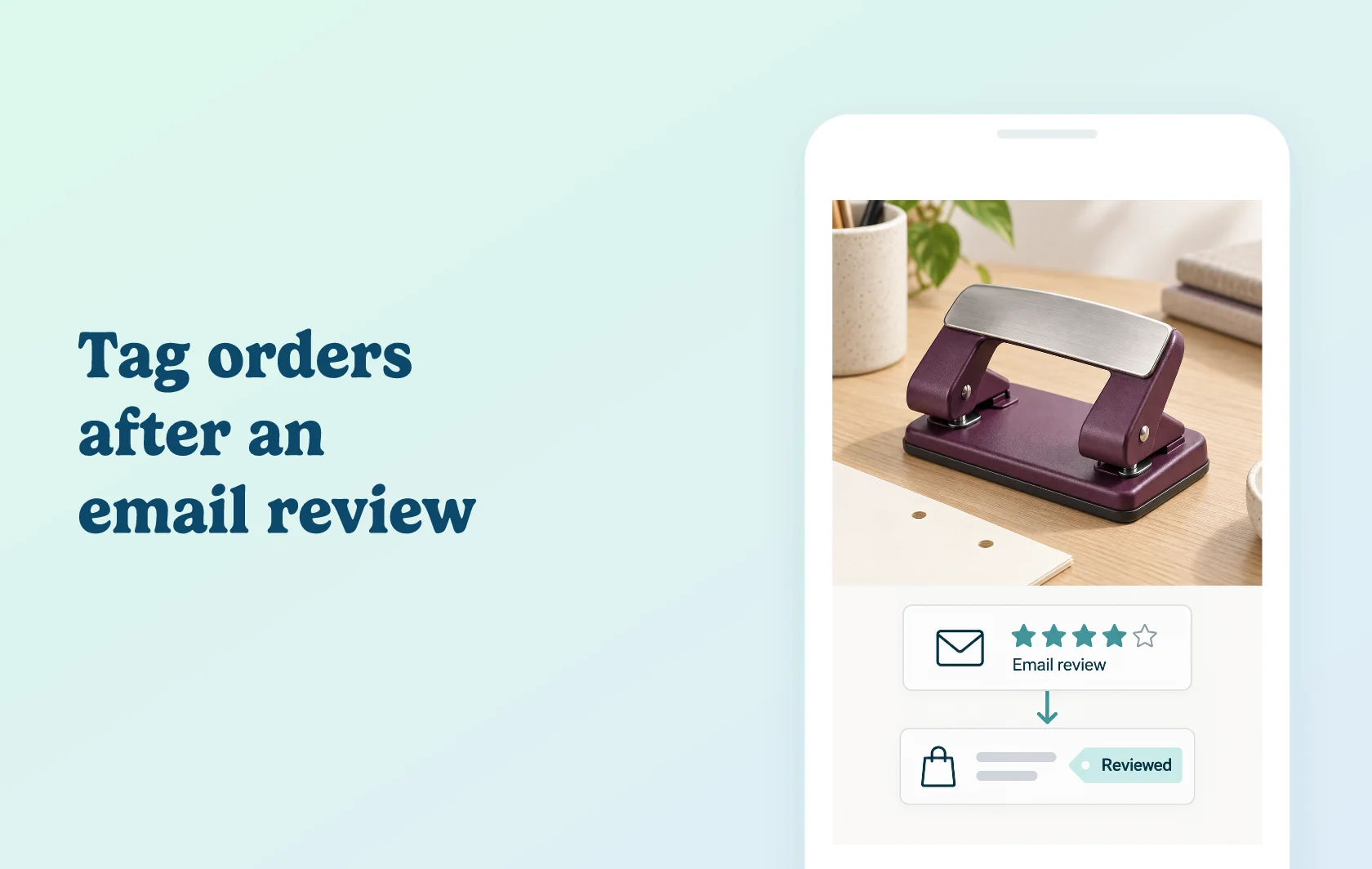
Connect review feedback and request timing to your Shopify workflows
The Judge.me and Shopify Flow integration lets you act on reviews submitted through Judge.me request emails, or control review requests for individual orders. Choose a trigger, add conditions and select the actions you want Flow to run. The integration requires Judge.me Awesome and an enabled workflow.
Organise the work that follows an email review
A stationery store could tag an order after a customer reviews a hole punch through a Judge.me request email. It could also route low-rated feedback to a support ticket or organise reviews in a spreadsheet, using the appropriate destination app.
The New review received trigger only fires for reviews submitted through a Judge.me review request email. A review written directly in the storefront widget does not trigger it. The event includes the order ID, rating and review text; it does not include a customer ID, product ID or product title. Use Get order data when a later step needs the associated customer or line items.
Decide which orders receive a request
Use Send review requests for order or Skip review requests for order as an action in an order-based workflow. Add your own conditions, and use Flow’s Wait action when you need a delay. These actions override Judge.me’s automated sending or skipping decisions for that order, so check them alongside your existing request settings.
Send requests through another app with early access
For stores in the Early user program, Review request ready can pass request information to Flow after fulfillment and the configured request delay. It fires before a review is submitted and includes the product and customer details needed to build a request message.
Enabling this trigger stops Judge.me from sending those review requests. Finish and test the email, SMS or WhatsApp workflow in the destination app before switching over.
How the integration works
Install Shopify Flow and enable the Flow integration in Judge.me. For review follow-ups, start with New review received and add the conditions and destination actions. For request control, start from an appropriate Shopify event and use the Judge.me send or skip action.
Save and turn on the workflow. Review request ready has an additional setting in Judge.me and is available through the Early user program.
Before you connect
Judge.me: Awesome is required, and the Shopify Flow integration must be enabled.
Shopify Flow: the app is free on Shopify Basic, Grow, Advanced and Plus. Send HTTP Request requires Grow or higher; custom partner-app tasks require Plus.
Other apps: follow-up actions depend on the connected app’s features and plan. Adding an action in Flow does not supply a separate messaging or rewards account.
Trigger choice: New review received follows an email review; Review request ready precedes a review. They supply different data and serve different purposes.
Existing rules: check request timing, skips and any overlapping workflows before activation.
Get started
Already using both apps? Choose one review or request workflow and configure its conditions and actions. Test the New review received trigger by sending yourself a review request email and submitting the review through that email, then inspect the Flow run and its destination. If you use a send or skip action, also test an order that matches the rule and check the resulting request status in Judge.me.
New to either app? Install Judge.me and Shopify Flow on a supported Shopify plan, choose Awesome and enable the connection. Start with one workflow before adding more actions or moving review requests to another channel.