
&

Design
Judge.me & PageFly integration
Show product ratings, reviews and a carousel on custom Shopify pages.
Shopify
Reviews → custom pages
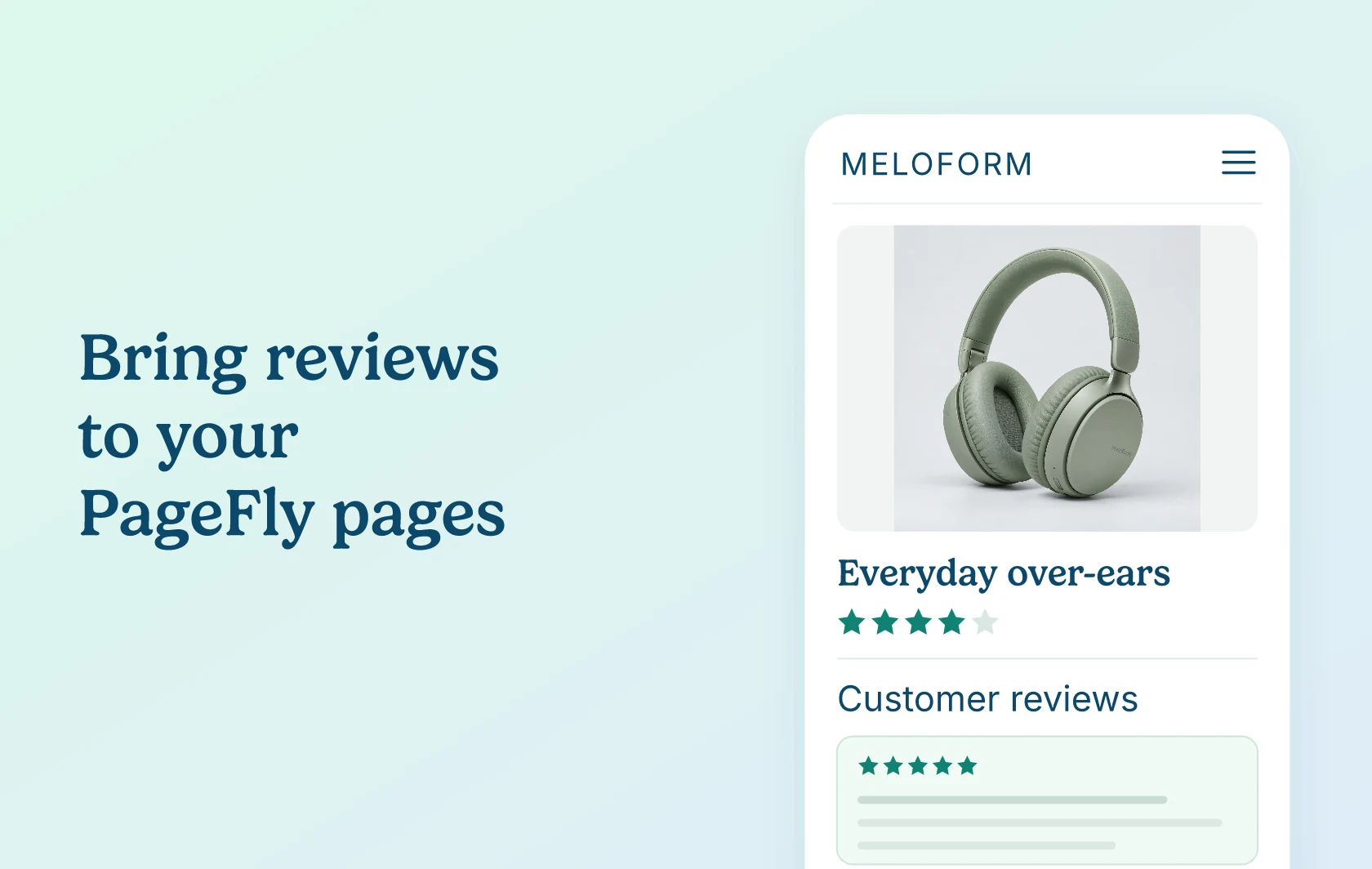
Bring customer feedback into your custom Shopify pages
The Judge.me and PageFly integration lets you add ratings and reviews to the Shopify pages you build in PageFly. Bring customer feedback into your product layouts, so shoppers can read what other buyers think alongside your product details.
Give shoppers a quick view of a product’s rating
Place the Star Rating Badge near a product’s name or price in your custom layout. Shoppers can see its average rating and review count before reading the full reviews. In PageFly, this element is called the Preview Badge.
Help shoppers read the feedback behind the stars
Add the Review Widget to a custom product page so shoppers can explore reviews alongside your images and description. You choose where the widget sits within the product section, keeping customer feedback part of the page you designed.
Highlight selected reviews on a campaign page
Use the Reviews Carousel inside a product section on a landing page to introduce shoppers to customer feedback in a compact, swipeable display. The carousel shows the same selection across pages; use the Review Widget when you need reviews for a specific product.
How the integration works
Judge.me supplies the ratings and reviews; PageFly lets you place the supported widgets in its page editor. Activate Judge.me in PageFly, then add the Star Rating Badge, Review Widget or Reviews Carousel to your layout.
Manage the reviews and widget settings in Judge.me, and arrange the elements in PageFly. Each supported element must sit inside a PageFly Product Details element, including on product pages. The setup guide covers the configuration steps.
Before you connect
Plans and platform: Install both apps on the same Shopify store. The three supported widgets are available on Judge.me’s Free plan. PageFly lists third-party integrations on its Free plan, with one published page or section; choose its plan for the publishing allowance you need. Check the current Judge.me plans and PageFly plans for the features and page limits you need.
Eligibility: Configure your Judge.me widgets before placing them in PageFly. The Reviews Carousel needs eligible reviews to display; it stays hidden when no reviews match your selection.
Important limits: This integration supports the Star Rating Badge, Review Widget and Reviews Carousel. Other Judge.me widgets are outside this supported list. PageFly develops and maintains the integration, so its support team is the first contact for PageFly placement or connection issues.
Get started
Already using both apps? Follow the Judge.me and PageFly setup guide to activate the integration and add your widgets.
New to either app? Install Judge.me and PageFly on your Shopify store, then return to the guide. Check the finished page on desktop and mobile before publishing your changes.