
&

Design
Judge.me & Instant integration
Bring product ratings into your custom Shopify pages, with feedback connected to the product you are showing.
Shopify
Product ratings → custom pages
Give your custom product pages the reassurance of customer ratings
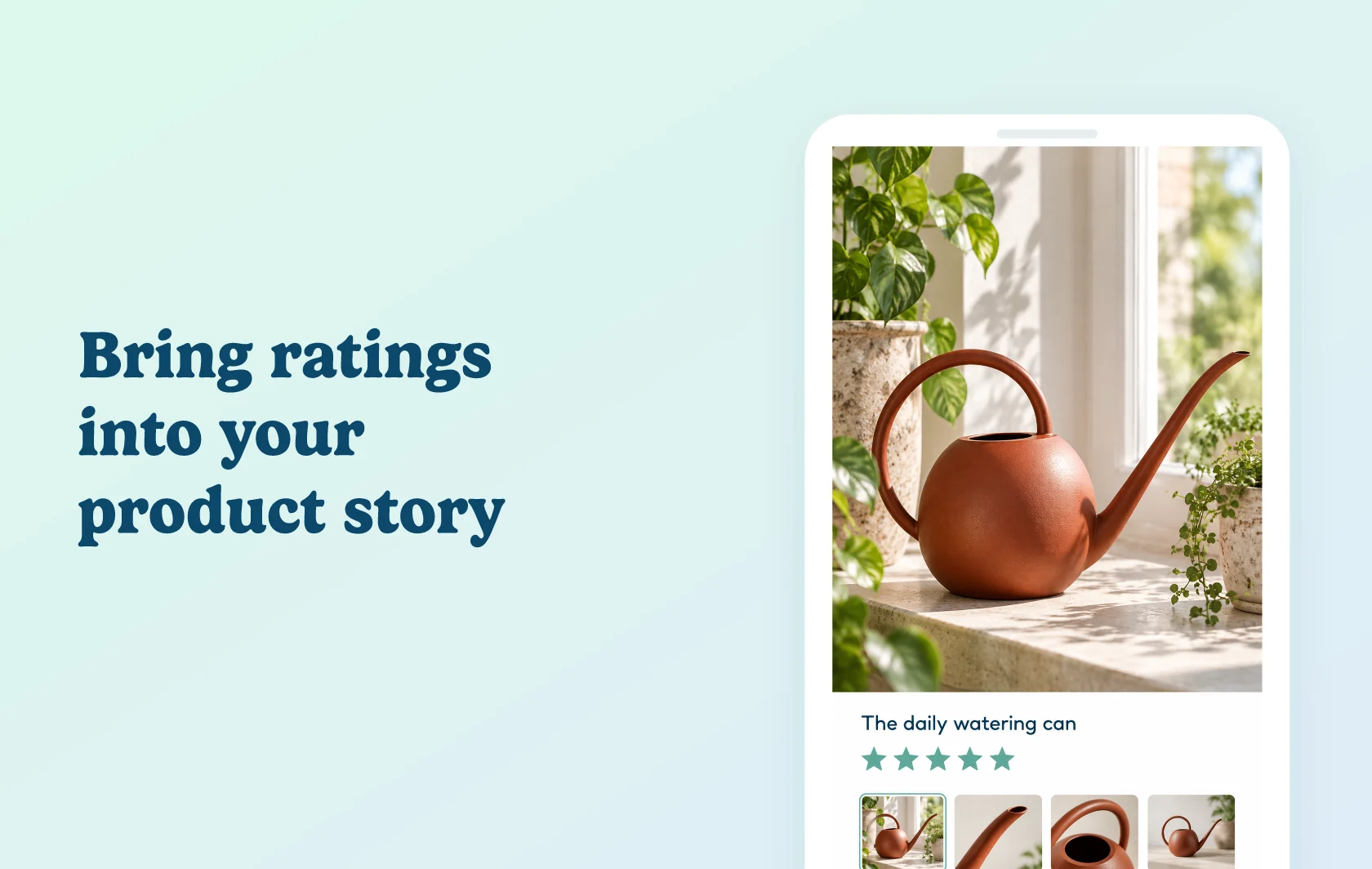
The Judge.me and Instant integration displays product ratings in pages and sections built with Instant. Connect a Rating element to the product you are featuring, so shoppers see feedback about that item while exploring your custom design.
Keep the rating tied to the right product
A landing page can focus on a particular item, while a product template gives you a reusable design. Instant lets you connect the Rating element to a Shopify product and use Judge.me as the review provider. This gives your product story a concise signal from customers who have already shared feedback.
Make space for more detailed feedback
When a star rating is only the starting point, Instant’s review-widget options also include Judge.me review carousels. Use a compact rating near the product information and choose a supported review display where shoppers need more context. Each widget still follows its own Judge.me eligibility and plan rules.
How the integration works
Install Judge.me and Instant on the same Shopify store. Add the Rating element to your layout, select Judge.me as its provider and connect the appropriate product. Instant displays the rating supplied by Judge.me; the reviews themselves remain managed in Judge.me.
Before you connect
Plans and platform: the Star Rating Badge is available on Judge.me Free. Instant Starter and above include product-page templates; page and section publishing allowances depend on your Instant plan.
Product selection: check that the rating belongs to the product featured on the page. Installing a review app does not make an unrelated product’s feedback relevant to your offer.
Display limits: selecting a rating does not automatically place a full review section. Choose and configure the supported widget you need, then check its content on the storefront.
Get started
Already using both apps? Follow the Instant ratings guide, add a Rating element and check it against the selected product. For the broader display options, see Instant’s review-widget lesson.
New to either app? Install Judge.me and Instant on your Shopify store, then connect the element using the guide.