
&

Search and SEO
Judge.me & Boost Commerce integration
Show ratings in search and collection results, and let shoppers filter products by review rating.
Shopify
Product ratings → search results and filters
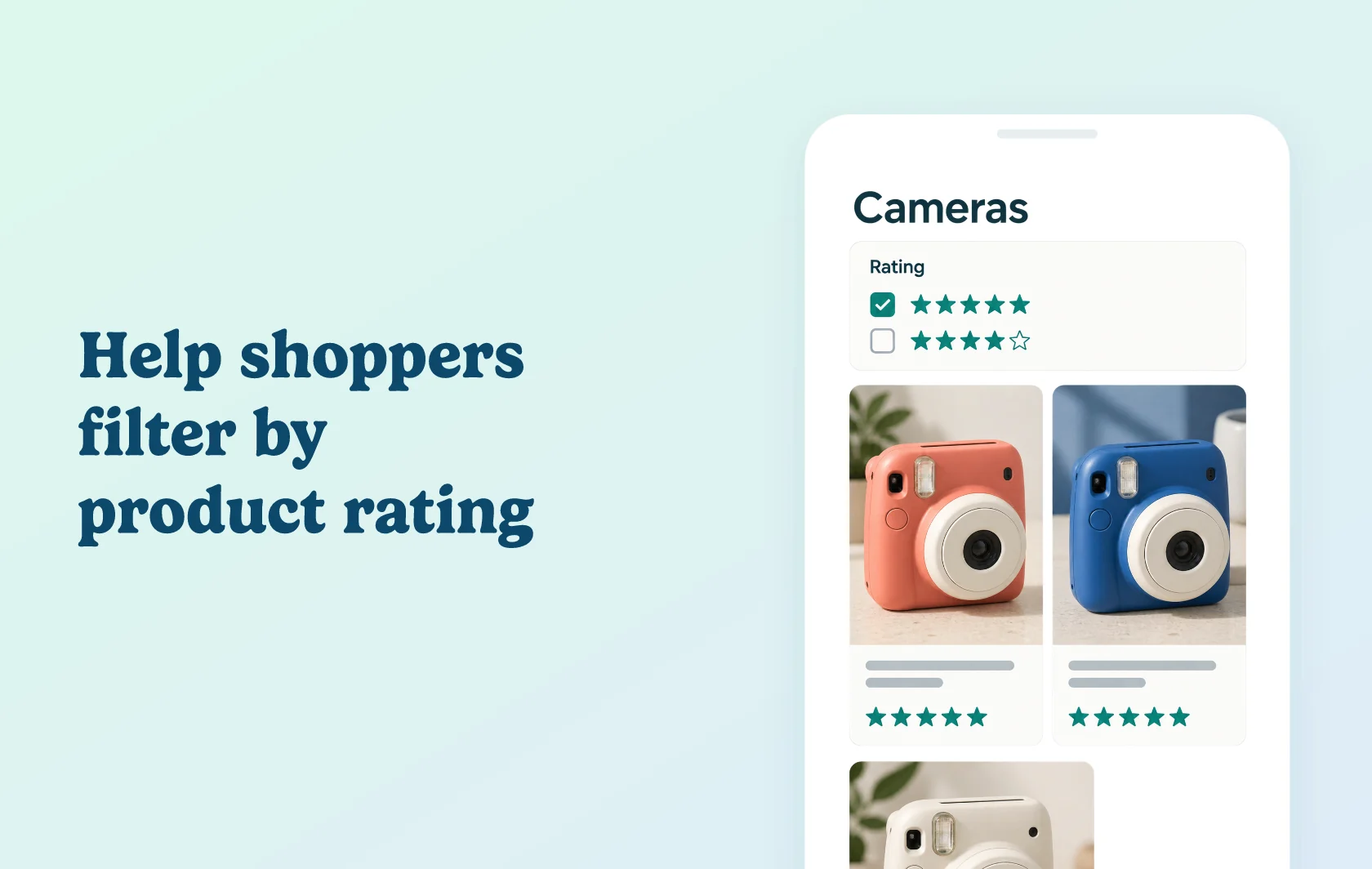
Help shoppers compare and filter products by customer ratings
The Judge.me and Boost Commerce integration adds product ratings to the Boost AI Search & Filter experience. Shoppers can see ratings on product cards and use a review-rating filter to refine the products they browse.
Add ratings to the product shortlist
A shopper comparing instant cameras can see customer ratings alongside the products in a search or collection view. That makes ratings available during the comparison, before the shopper opens each product page.
Judge.me supplies the review data; Boost controls how ratings appear in its product items. The display settings depend on the Boost version your store uses.
Make ratings part of product discovery
Add a Review Ratings filter to a Boost filter tree. Shoppers can then narrow a larger set of products using customer ratings alongside your other configured filters.
Displaying stars and adding a rating filter are separate choices. You can decide where the filter is useful for the way customers explore your catalogue.
How the integration works
Enable Boost Commerce in Judge.me, then turn on Judge.me in Boost’s product-review integrations. Let the data sync and configure the rating display for your Boost version.
To offer filtering, add Review Ratings to the relevant filter tree and save it. Check both the product cards and filter on your storefront.
Before you connect
Plans and platform: this Shopify connection requires Judge.me Awesome and a Boost subscription. Choose the Boost plan with the filter features and allowances your store needs.
Boost version: the partner guide covers V2, V3 and TURBO. Their rating-display controls differ; use the instructions for your version.
Existing installations: if Boost was installed before April 2021, contact Boost before moving to its newer integration toggle. Enabling that newer toggle removes existing integration data.
Data and display: allow the integration to sync before checking results. Keep the integration’s review metafield in place; Boost uses it for ratings and filters.
Get started
Already using both apps? Follow the connection guide, then check the version-specific display and filter settings.
New to either app? Install Judge.me and Boost AI Search & Filter, connect them and preview a product with reviews.