
&

Dropshipping
Judge.me & AutoDS integration
Start a review import from your product list, then manage the imported feedback and its storefront display in Judge.me.
Shopify
AutoDS product list → Judge.me review import
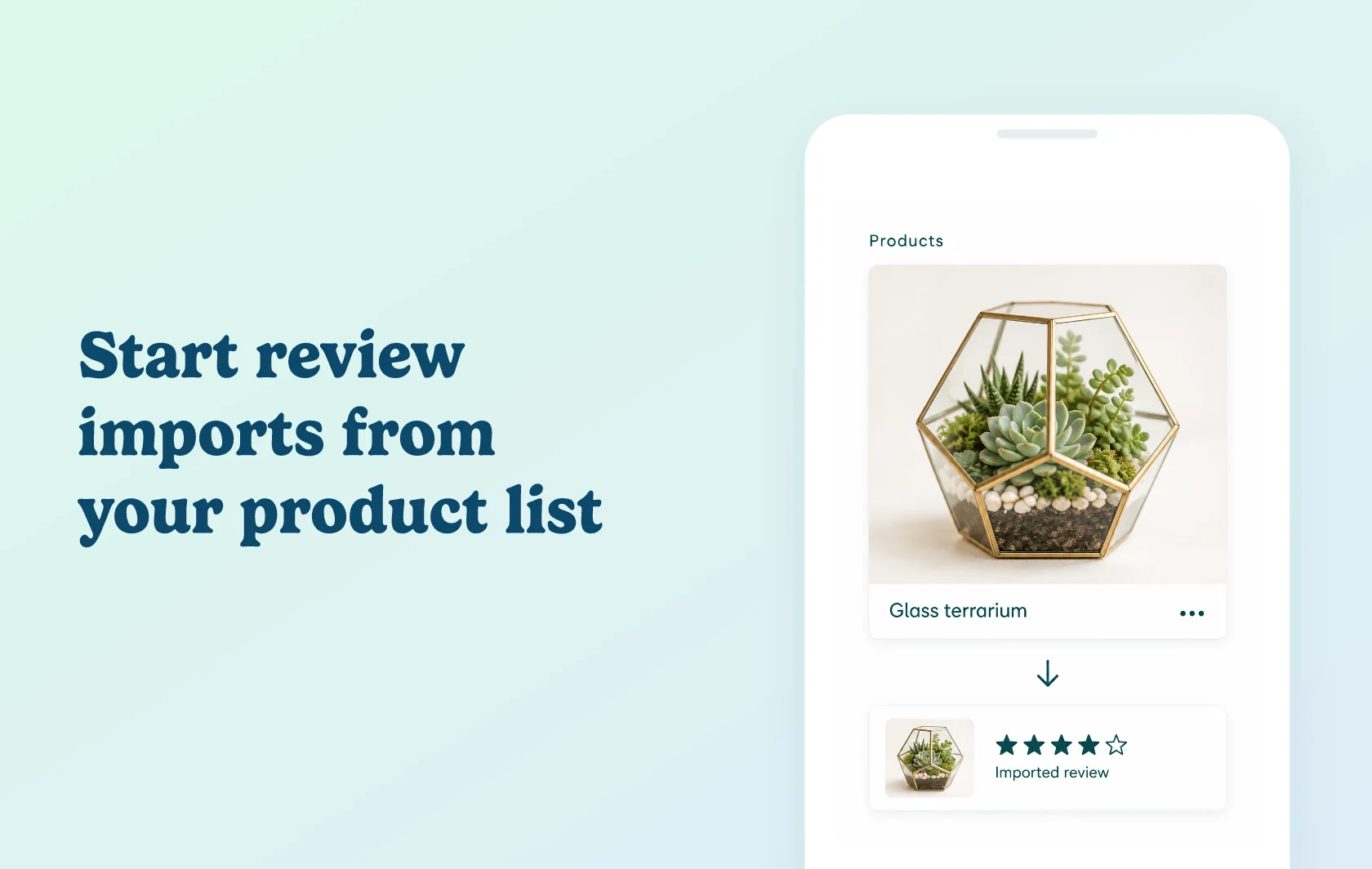
Start a product review import while managing your AutoDS catalog
The Judge.me and AutoDS integration gives you a shortcut from your product list to review importing. Choose a product in AutoDS and open Import Reviews with Judge.me. Complete the import and manage the feedback in Judge.me, where you also configure how it appears on your Shopify storefront.
Bring relevant product feedback to a new listing
A homeware store sourcing a terrarium from AliExpress could import reviews for the matching product. Those reviews give shoppers information about the item while the store starts collecting feedback from its own customers. Check that the supplier item matches what you sell before choosing it as the review source, and keep the imported review origin clear to shoppers.
Keep review work connected to your catalog
Use the shortcut from AutoDS’s Products or Drafts page while preparing your listings. You can move from a selected item into its review-import workflow, then check the imported content and storefront widget in Judge.me. AutoDS provides access to the import; Judge.me manages the reviews.
How the integration works
From a product’s menu in AutoDS, select Import Reviews with Judge.me. If Judge.me is not installed, follow the installation prompt; otherwise, open the import workflow for that product.
For AliExpress reviews, use the separate free Judge.me AliExpress Reviews Importer. Choose the corresponding supplier product and import settings, then check the import result. Install Judge.me Product Reviews and its Review Widget to display the imported feedback on the matching Shopify product.
Before you connect
Shopify: this AutoDS review-import shortcut is for Shopify stores. Connect your store to AutoDS and ensure the target product is available in Judge.me.
Judge.me: the AliExpress import route is available on the Free plan. The free importer handles importing; Judge.me Product Reviews displays the reviews.
AutoDS: use an active Shopify-connected AutoDS account. Its app has paid plans with different product allowances; choose one for your catalog size.
Review origin: AliExpress imports are feedback collected elsewhere. They are not marked as verified purchases in Judge.me.
Ownership: import settings, review management and widget troubleshooting are handled in Judge.me.
Get started
Already using both apps? Open the AutoDS guide, start with one matched product and check its import result and storefront review display.
New to either app? Install AutoDS and Judge.me Product Reviews for your Shopify store. Add the AliExpress Reviews Importer if that is your review source.