
&

Review management
Judge.me & Facebook and Instagram integration
Turn customer feedback into social posts, choosing reviews manually or setting automatic sharing rules.
Shopify
Customer reviews → Facebook and Instagram posts
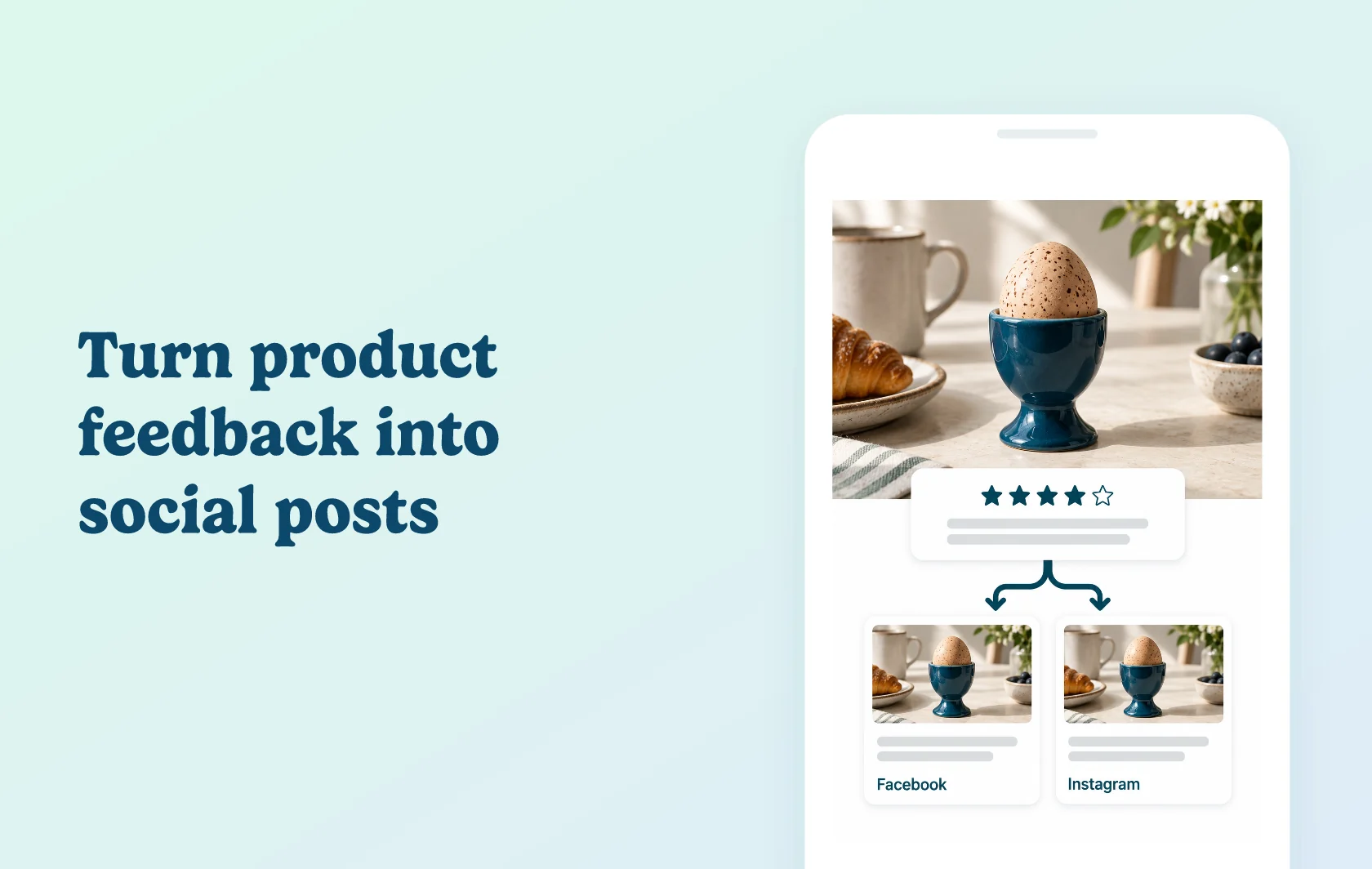
Give customer feedback a place in your social feed
The Judge.me and Facebook and Instagram integration turns reviews into posts on your connected Facebook Page or Instagram account. Choose a review and edit the post before sharing, or use automatic sharing to keep suitable feedback in your social content routine. This publishes posts; it is separate from displaying product ratings in Facebook and Instagram Shops.
Share a product experience with your followers
A ceramics store can share feedback about an egg cup alongside the product image or a customer’s review photo. Followers see an experience with the item in the social feed, with the review’s content providing the story rather than a new promotional claim.
For a selected post, you can adjust the caption before publishing. Instagram posts need an eligible image: product reviews can use the product image, while store reviews need customer photos.
Build a routine around eligible feedback
Automatic sharing lets you apply rating, photo and verified-review filters. The established workflow selects a proportion of new reviews and uses a posting interval. The newer day-and-time scheduler is available to Early User Program participants and can also include existing feedback.
Use the controls available in your account. In the established workflow, connected social platforms share the same selected reviews; the early-access scheduler lets you select platforms individually. A schedule does not guarantee a post when no qualifying review is available.
How the integration works
Connect through Facebook, then activate the Facebook Page and Instagram account you want to use. For Instagram, link a professional account to your Facebook Page first. Judge.me prepares the social post using your review content and the applicable image choice.
Manual sharing lets you preview and edit one post. Automatic sharing applies your saved criteria. Custom push templates let Awesome users adjust the recurring post format; these settings do not turn social posts into Shop product ratings.
Before you connect
Judge.me: manual sharing is available on Free. Automatic sharing and reusable push-template customization require Awesome.
Facebook: you need access to the Page you want to activate.
Instagram: use a professional account linked to that Facebook Page, with access to manage the linked accounts.
Images: Instagram supports product reviews or store reviews containing customer photos. Choose review or product imagery where supported.
Written content: rating-only reviews are excluded from automatic sharing, though they can be shared manually.
Connection renewal: reconnect Facebook and Instagram at least every two months to keep the connection active.
Early access: the day/time scheduler, individual platform controls and Post activity log require Early User Program access.
Get started
Already using Judge.me? Connect the intended Page and professional Instagram account, then preview a suitable review post. Check its wording, image and destination before setting an automatic routine. Check an Instagram store review without a photo as an excluded case, and record when the accounts will need reconnecting.
New to Judge.me? Install it, collect feedback and connect your social accounts. Start with manual sharing, then choose Awesome if you want automatic posts and reusable templates.