
&

Other
Judge.me & Bizamply integration
Turn new reviews into tailored follow-ups and social content through configured automations.
Shopify
New reviews → configured messaging and social content
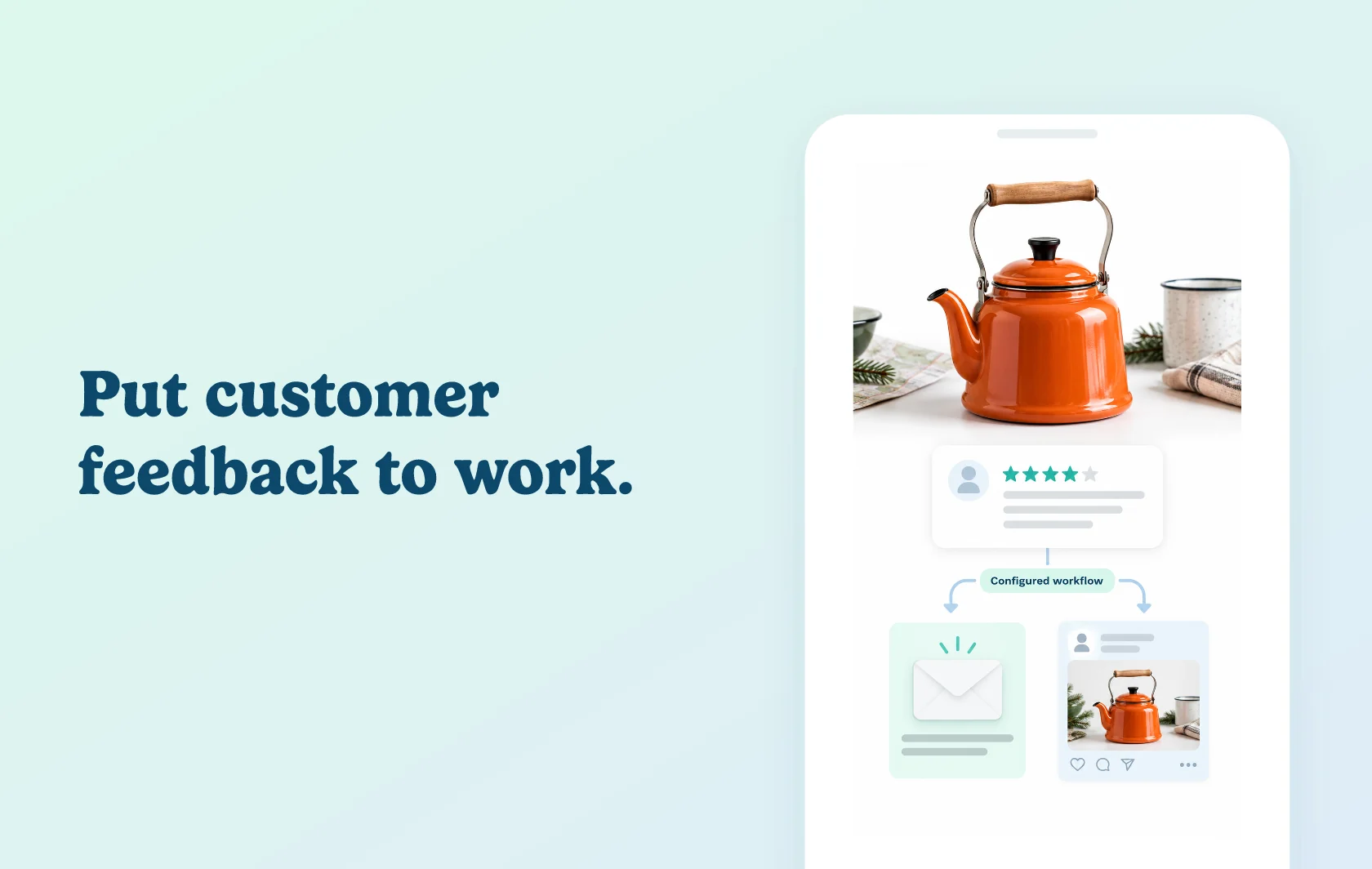
Use new customer feedback in your follow-up marketing
The Judge.me and Bizamply integration brings review information into Bizamply so you can build follow-up automations and prepare social content. This page covers the webhook-based automation route: Judge.me sends review events and Bizamply applies the actions you configure.
Make the follow-up relevant to the review
Use the review’s rating, text and available product context to shape a thank-you or a helpful response. Bizamply can apply its AI analysis within your automation, while you choose the connected channels and messaging. Sensitive or negative feedback still benefits from a person’s review before outreach.
Reuse customer feedback in social content
Bizamply’s Deepsolv AI can prepare review-based posts with captions and product tags. It also supports configured incentives such as one-use discount codes. Review the generated content, channel settings and reward rules before activating the automation; these are merchant choices rather than actions every connection performs by default.
How the integration works
Connect Judge.me from Bizamply’s Connections area and authorise access. Reviews become available in Bizamply’s inbox. For the automation route, new-review webhook events provide the review text, rating and available customer and product data used by the configured workflow.
Connect the email, messaging or social channels you intend to use and define the follow-up actions. Judge.me remains the review source; Bizamply handles the automation and channel-specific output.
Before you connect
Judge.me: use Awesome for webhook-based automation. This page does not promise real-time automation on Free.
Bizamply: the Judge.me guide specifies Pro or Enterprise, with access to automation features.
Channels: connect the accounts needed for your workflow. Each platform’s permissions, formats and sending limits apply separately. A review or synced contact does not itself provide consent to receive marketing.
AI output: review sensitive responses and check non-English content, where generated wording can vary in quality.
Incentives: configure any discount explicitly and check that repeated events cannot create unintended duplicate follow-ups.
Get started
Use the integration setup guide for the detailed connection steps.
Already using both apps? Connect Judge.me, create one bounded automation and test it with new feedback. Inspect the imported review, generated message or post, and any configured incentive before expanding the workflow.
New to either app? Install Judge.me and create your Bizamply account on the required plans. Connect your chosen channels, follow the setup guide and review the first outputs before relying on automation.