
&

Search and SEO
Judge.me & Avada SEO Image Optimizer integration
Add product ratings to structured data, with a review-source selection and connection check.
Shopify
Product review data → Avada review snippets
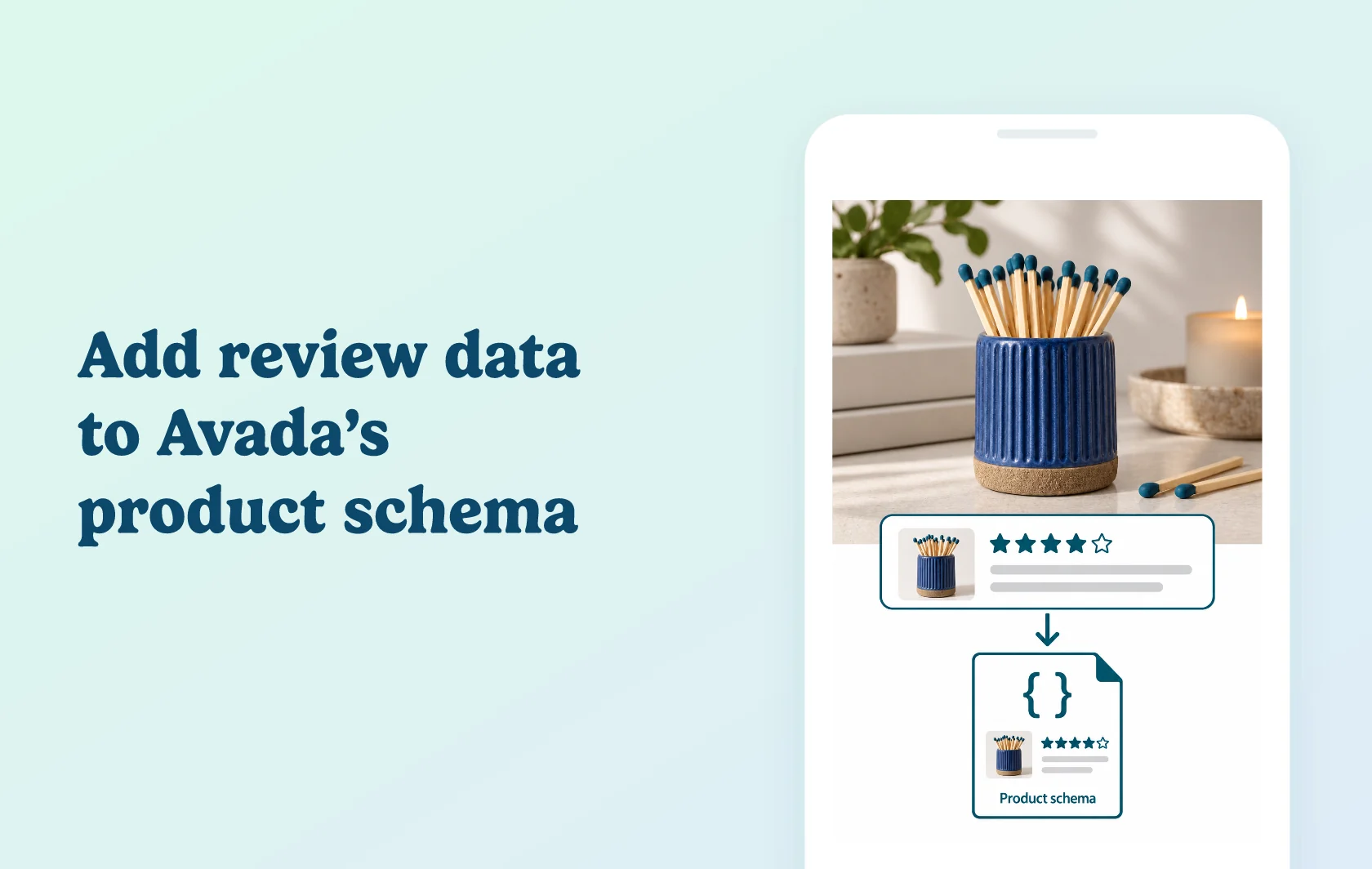
Include product feedback in the schema you manage with Avada
The Judge.me and Avada SEO Image Optimizer integration brings product rating information into Avada’s structured-data setup. In the current Avada SEO app, select Judge.me as the source for Rating & Reviews so customer feedback can accompany the product information search engines read.
Connect a product’s feedback to its search information
A ceramics store can collect reviews for a match striker with Judge.me, then make that item’s rating information available through Avada’s review-snippet configuration. The feedback stays associated with the product customers actually reviewed.
This supports eligibility for review-rich search results; it does not promise that Google will show stars or improve a page’s ranking. Customers still read the reviews on your storefront, and Avada handles the structured-data configuration.
Check the review source from one place
Avada lets you select the review app and refresh the integration status. This gives your team a clear connection to inspect when review information is missing, especially after changing apps or adjusting search-appearance settings.
The integration’s role is review data. Avada’s image optimization, metadata tools and other SEO features remain separate from what the Judge.me connection supplies.
How the integration works
Open Avada’s Settings and Integration area, then go to Google Structured Data. In Rating & Reviews, select Judge.me and activate the review snippet. Use Refresh status to check the connection.
Avada also has separate product-schema controls. Validate a reviewed product page after completing both configurations, checking that the detected product and rating agree with the visible page. Disconnecting the review source can remove the data needed for review-rich-result eligibility.
Before you connect
Judge.me: product aggregate-rating markup is available on Free. Use published product feedback and display the reviews on the product page.
Avada: its Google Structured Data guide makes the basic feature available to all users; the app offers Free, Pro and Enterprise plans for different SEO capabilities.
Review selection: choose Judge.me in the Rating & Reviews configuration and refresh the status after connecting.
Product scope: configure the product information as well as the review snippet. Store-level feedback is not a substitute for feedback about that item.
Validation: check existing theme or app markup if the same product appears with inconsistent rating data.
Search display: allow for Google to crawl the updated page. Connection status and a valid test do not guarantee visible stars.
Get started
Already using Avada? Select Judge.me as the review provider and inspect a product with published reviews using Google’s Rich Results Test. Check the connection status if the expected review information is missing. A connected status confirms the app connection; inspect the live product page separately to confirm its review data is present.
New to the pair? Install Avada, complete the relevant product and review-snippet settings, then connect the reviews collected through Judge.me. Use a live reviewed product to validate the setup before applying further schema changes.